Holographic Textures Borders Clip Art: Add Spark to Your Designs
Visual appeal plays a crucial role in communication, whether you're crafting digital content, preparing professional documents, or enhancing educational materials. Holographic Textures Borders Clip Art is an innovative design tool that brings a touch of futuristic elegance and artistic flair to your work. These borders are not just decorative—they serve as functional elements that elevate the presentation of your writing papers, digital notes, worksheets, marketing materials, and more.
What Are Holographic Textures Borders Clip Art?
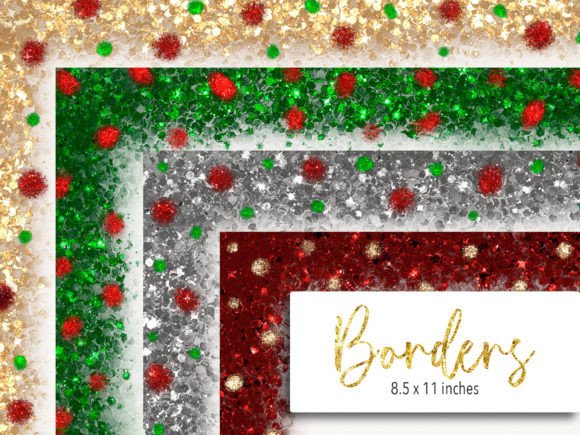
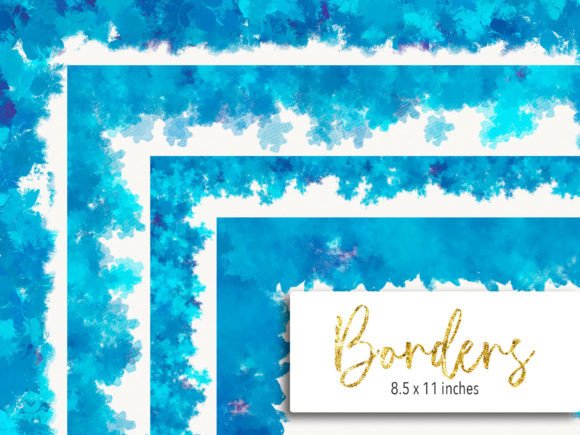
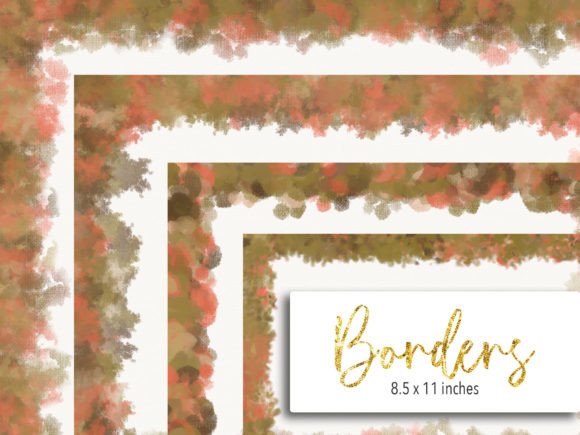
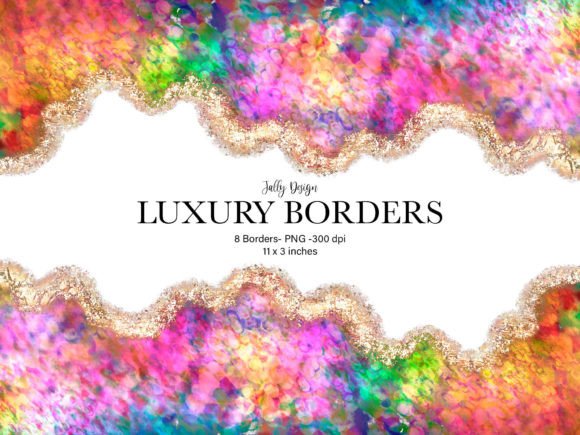
Holographic Textures Borders Clip Art refers to a collection of high-quality, transparent border designs that mimic the shimmering, multidimensional look of holograms. These borders are crafted using advanced graphic techniques to create depth, light reflection, and a dynamic visual effect that stands out on both digital and printed media. The result is a unique aesthetic that blends modern technology with creative expression.
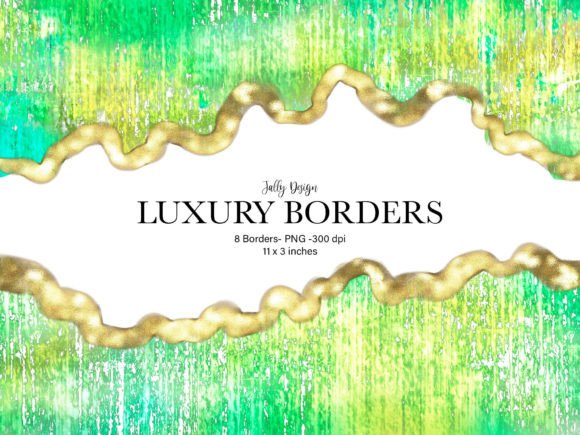
The best part? You'll receive 8 decorative borders, each designed with precision and attention to detail. They come in a standard size of 11 x 3 inches, making them ideal for letter-sized pages. With a resolution of 300 dpi and a PNG format, these borders are sharp, clean, and ready to use right away.
Key Features That Make It Stand Out
- High Quality: At 300 dpi, the clip art ensures crisp edges and vibrant colors—perfect for both print and digital use.
- Transparent Background: The PNG format allows seamless integration into any document or design without worrying about background clutter.
- Printable and Digital Friendly: Whether you're printing out your writing paper or adding it to a digital note-taking app like GoodNotes, this product adapts effortlessly.
- Versatile Sizes: Each border is tailored to fit an 11 x 3 inch space, which is compatible with most standard paper formats and screen sizes.
- Ready-to-Use Format: No need for extra editing or cropping—simply drag and drop the files into your preferred application or printer.
Why Use Holographic Textures Borders?
These borders are more than just pretty visuals; they offer practical value across various industries and hobbies. For professionals who want to make their reports or presentations pop, educators aiming to create engaging handouts, or artists looking to add a unique edge to their notebooks—this product delivers. Its holographic textures add dimension and interest, helping your content stand out from the crowd.
1. Personal Creativity Projects
If you're into journaling, scrapbooking, or personal planning, Holographic Textures Borders Clip Art can transform your layouts. Imagine designing a vision board or custom planner with borders that reflect light and color subtly—adding a layer of sophistication to your everyday creations. The transparency of the PNG format makes it easy to layer with other graphics or text without losing clarity.
2. Professional Documents and Reports
In the corporate world, first impressions matter. While simplicity is often key, the right amount of decoration can enhance readability and professionalism. Use these borders to frame important sections of reports, highlight key data in presentations, or personalize company memos. Their subtle yet striking design helps maintain a polished appearance while introducing a modern twist.
3. Educational Materials and Worksheets
Educators constantly seek ways to keep students engaged. Adding a holographic border around a worksheet or study guide can make it visually stimulating and encourage interaction. These borders also help in organizing different sections of a lesson plan or activity sheet, guiding learners through content with ease.
4. Digital Note-Taking and Organization
Applications like GoodNotes have revolutionized how we take notes, but standing out among thousands of digital pages requires creativity. Incorporating Holographic Textures Borders into your digital notebooks can help you categorize subjects, separate sections, or simply make your notes more enjoyable to review. Their compatibility with digital tools ensures that your design choices don’t compromise functionality.
5. Branding and Marketing Collateral
For marketers and business owners, consistency in branding is essential. These borders can be used in promotional materials such as flyers, brochures, or social media graphics to reinforce brand identity with a touch of innovation. A well-placed holographic border can catch attention and communicate a sense of modernity and quality.
6. Creative Writing and Publishing
Writers and publishers can benefit from using these borders in book drafts, zines, or poetry collections. The texture and sheen of the holographic design add a tactile-like experience even when viewed digitally, making your written works feel more immersive and professionally presented.
Design Benefits and User Experience
When it comes to usability, Holographic Textures Borders Clip Art shines. The transparent background ensures that the focus remains on your content, while the clear lines of the borders provide structure without overwhelming the page. This balance is vital for maintaining a clean and readable layout.
From an efficiency standpoint, having 8 pre-made borders saves time and effort. Instead of designing your own or searching for similar assets online, you get a curated set that’s immediately usable. This can streamline your workflow, especially if you’re working on multiple projects or under tight deadlines.
Moreover, the ability to use these borders both in print and digital formats means you don’t have to sacrifice quality depending on your medium. Whether you're handing out physical flyers at an event or sharing a PDF online, the clarity and professionalism remain consistent.
Enhancing Engagement Through Visual Appeal
Studies show that visual elements significantly impact engagement and retention. In educational settings, for instance, students are more likely to interact with material that's visually appealing. Similarly, in marketing, eye-catching design elements increase the likelihood of a message being noticed and remembered.
Holographic Textures Borders contribute to this by offering a unique visual element that draws the viewer in. Their reflective qualities create movement and interest, making static content more dynamic and interactive.
Practical Tips for Implementation
- Choose the Right Border: Since you have 8 options, select a border that complements the theme and tone of your project. A bold, colorful border may suit a creative portfolio, while a subtler one could be better for formal reports.
- Test Before Printing: Always preview how the borders appear when printed. Some printers may alter the perceived texture or sheen of the holographic effect slightly.
- Layer Thoughtfully: When using in digital platforms, consider how the border interacts with other design elements. Too much layering can reduce readability, so aim for a balanced composition.
- Stay Consistent: If you're using these borders across multiple documents or projects, maintain consistency in their placement and style to build a cohesive visual identity.
- Respect Copyright: Ensure that the usage of these borders aligns with your intended purpose. Commercial users should confirm licensing details before deployment.
Where to Use Holographic Textures Borders Clip Art
Beyond traditional uses, think about where these borders can add unexpected value:
- Invitations and Event Flyers: Create a memorable visual with a border that adds a sense of occasion and innovation.
- Digital Artwork and Illustrations: Frame your illustrations with a border that enhances the overall mood and aesthetics.
- Business Cards or Brochures: Introduce a hint of uniqueness to standard collateral with a subtle holographic finish.
- Gift Tags and Packaging: Bring a magical touch to handmade gifts or product packaging with these eye-catching borders.
Observations and Recommendations
One common observation among users is how these borders simplify the process of adding a professional look to otherwise plain documents. Freelancers, in particular, appreciate the ability to customize their deliverables with minimal effort. Educators report increased student participation when materials are framed with engaging visual elements.
For those new to using clip art, it's recommended to start small. Try applying a single border to a test page before scaling up to larger projects. This approach helps you understand how the border interacts with your content and adjusts to your workflow.
Also, consider the context in which your design will be viewed. If you're creating something for print, ensure that the printer supports high-resolution PNGs and that the ink type won't dull the holographic effect. For digital use, check that the platform you're using (like GoodNotes) maintains the integrity of the border's texture and transparency.
Final Thoughts
Holographic Textures Borders Clip Art is a versatile and valuable addition to your design toolkit. Whether you're a professional, educator, artist, or marketer, these borders can enhance the visual appeal and functionality of your work. Their combination of high resolution, transparency, and modern aesthetics makes them suitable for a wide range of applications.
By integrating these borders thoughtfully into your projects, you can improve user experience, boost engagement, and add a distinctive flair that sets your work apart. So why settle for the ordinary when you can bring a touch of the extraordinary to every page you create?